Process mapping
Define the steps, people and decisions involved in each workflow before designing screens or reports.

Powerful tools to grow your business communication.

Custom ERP
Connect department processes through a tailored ERP implementation. Start with your operational requirements and agree on the records, approvals and reports needed to run them.
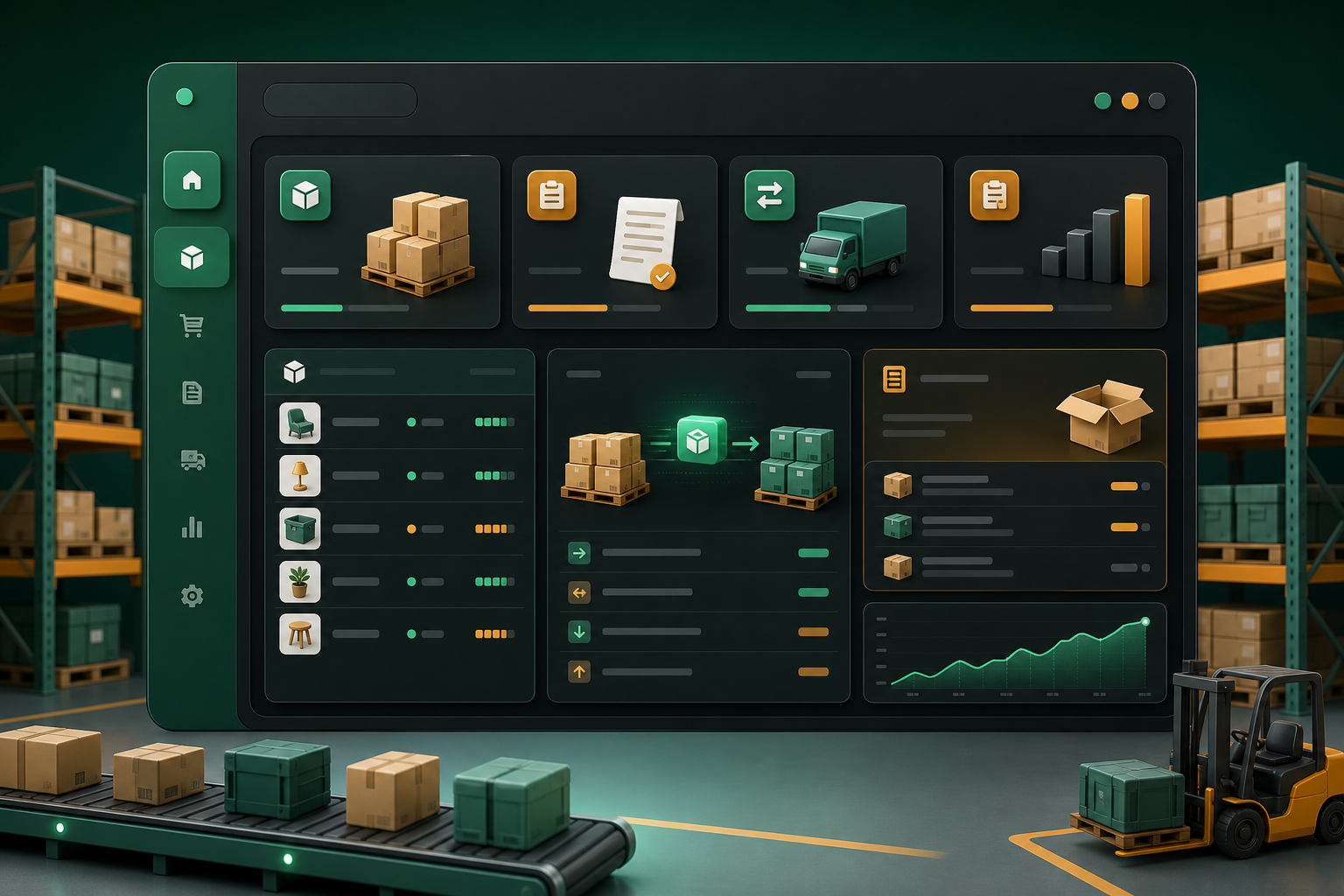
A custom ERP project starts by understanding how work moves through your business. The objective is a connected process with clear responsibilities, useful records and fewer gaps between departments.
Define the steps, people and decisions involved in each workflow before designing screens or reports.
Stingo's existing ERP example covers vehicle movement, material handling, machinery maintenance, stock and dispatch, showing how department workflows can be brought together.
Agree on product, supplier and customer definitions so departments use consistent information across the process.
Design reports around actual decisions: pending work, exceptions, resource needs and completed activity. Prioritize information that someone will act on.
Walk through current processes and document the problems the implementation must solve.
Agree on modules, roles, approval steps, integrations and acceptance criteria.
Use representative business examples to review the proposed workflow with department owners.
Train users, check opening data and introduce the agreed process in manageable stages.
A materials business needs receiving, processing, maintenance and dispatch to work together. Each department records its part of the process, while managers review handovers and outstanding work across the operation.
Bring sample forms, spreadsheets and reports from each department. Identify a process owner and separate launch requirements from later improvements to keep the first rollout focused.
Discuss your requirementsPractical details to help you plan the right setup for your team.
Custom ERP scope is agreed for each implementation. Define the required modules, integrations and reports in the proposal rather than assuming every example is included.
A phased approach can start with a clearly defined workflow. Plan shared records and future handovers early so later modules can fit the same process.
Use one normal transaction and one exception from your business. Follow them through each handover and check whether the responsible person can identify the next action.