Organized product records
Use consistent item names, units and identifiers so purchasing and sales refer to the same product.

Powerful tools to grow your business communication.

Inventory & Stock Management
Connect product records, stock movements and customer demand. Help purchasing, warehouse and sales teams work from a consistent view of inventory.
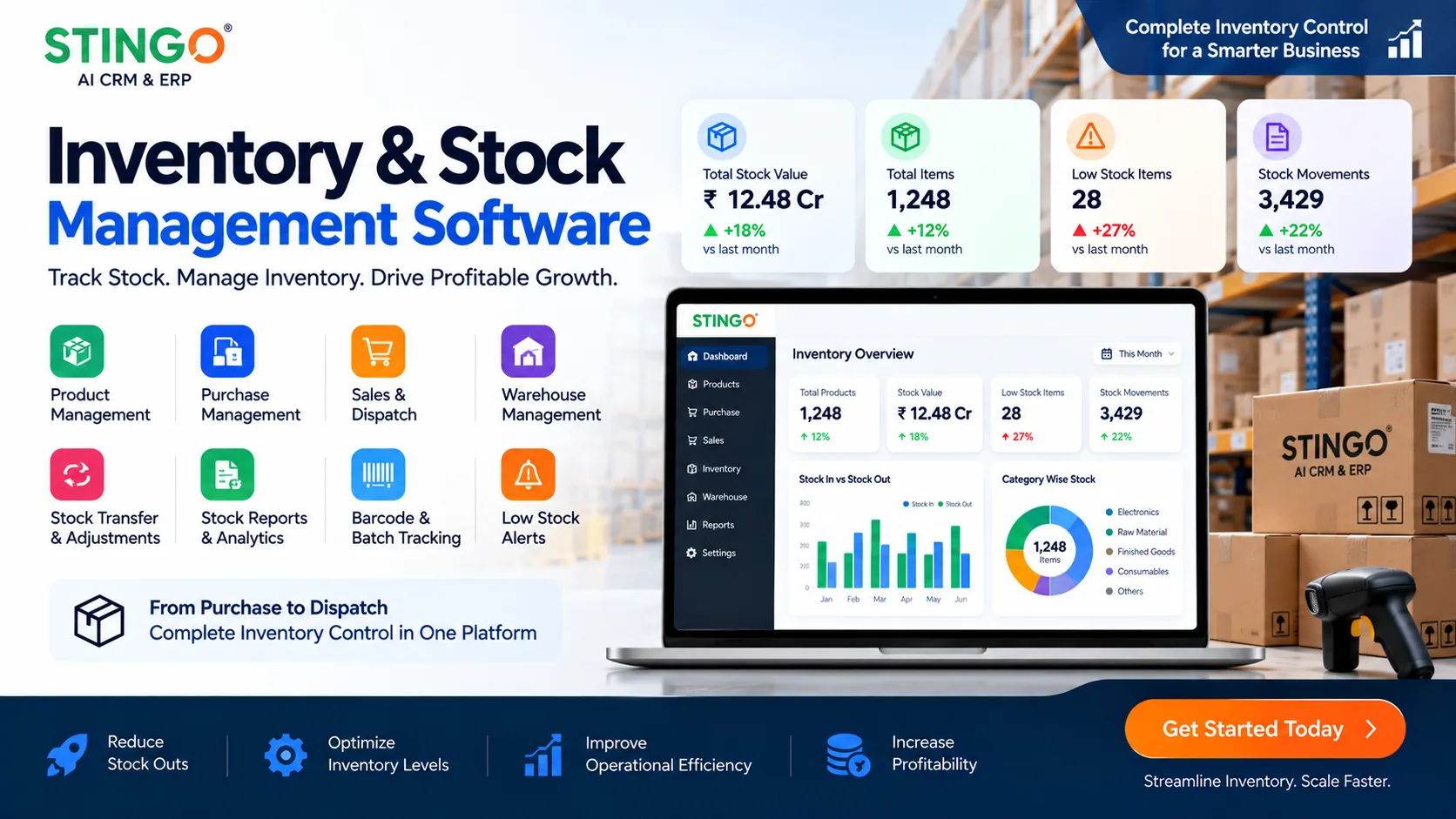
Inventory decisions affect the promise made to every customer. A shared stock process helps teams understand receipts, issues and adjustments before committing to an order.
Use consistent item names, units and identifiers so purchasing and sales refer to the same product.
Record incoming and outgoing quantities with a reason and reference. Review how a balance changed instead of relying on an unexplained total.
Compare demand with recorded stock before planning the next purchase. Discuss reorder rules and approval needs during configuration.
Keep inventory requirements aligned with orders and dispatch. Confirm the locations, reports and ERP integrations needed for your business.
Prepare the product list, units, locations and opening quantities.
Record goods received and identify shortages or damaged items.
Track stock allocated to orders, internal use or approved adjustments.
Compare recorded quantities with physical counts and investigate differences.
Before accepting a large customer order, the sales team checks stock with the warehouse. Purchasing can see the remaining requirement, while dispatch works from the agreed quantities instead of a separate spreadsheet.
Bring an item list, opening stock sample and a typical receipt and dispatch document. Identify whether you need multiple locations, batches or serial numbers so those requirements can be reviewed explicitly.
Discuss your requirementsPractical details to help you plan the right setup for your team.
Inventory tracks quantities and movements. Order management tracks what a customer has requested and what is being delivered. Connecting them helps avoid mismatched expectations.
Prepare your existing codes and units for the implementation review. Clean duplicates and naming differences before planning any data import.
Requirements such as batch tracking, serial numbers and multiple locations should be confirmed against the proposed configuration before rollout.