Customer order context
Keep product requirements and delivery notes connected to the customer so operations can understand the agreement.

Powerful tools to grow your business communication.

Sales Order & Delivery
Bring customer requirements, order progress and dispatch conversations together. Give sales and operations a shared view of what has been requested and what still needs to be delivered.
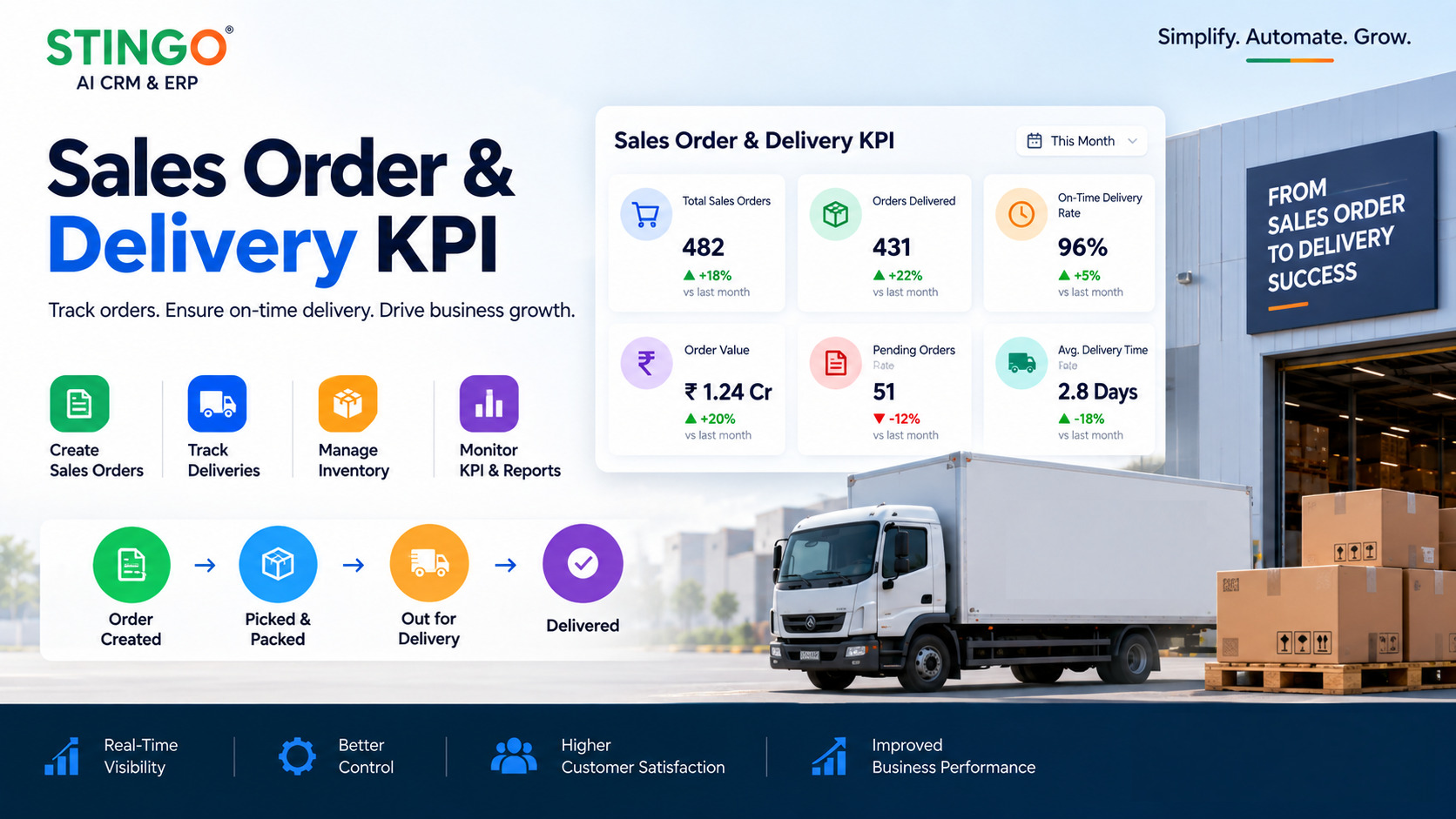
For wholesalers and distributors, a sale continues after the order is accepted. Shared order information helps teams coordinate stock, shipments and customer updates.
Keep product requirements and delivery notes connected to the customer so operations can understand the agreement.
Review quantities, agreed terms and exceptions before passing work from sales to fulfillment.
The connected CRM and ERP workflow can bring sales orders, stock, shipments and invoices into one operational view; integration scope is agreed during setup.
Track questions and delivery conversations against the relationship. Use the outcome to prepare for repeat orders and ongoing account service.
Review the requested products, quantities and delivery expectations with the customer.
Check availability and assign the operational steps required to fulfill the order.
Record shipment progress and any change that affects the promised delivery.
Confirm the customer outcome and organize outstanding questions or repeat requirements.
A customer needs part of an order urgently and the rest later. Sales and operations agree on the handover before dispatch, with the remaining requirement visible for the next customer update.
Bring an example order, invoice and dispatch document. Walk through partial delivery, changes and cancellations during discovery so the proposed workflow reflects your real exceptions.
Discuss your requirementsPractical details to help you plan the right setup for your team.
The wholesaler solution describes ERP integration. Confirm the supported system, information to synchronize and responsibility for updates as part of the project scope.
It gives the team delivery context when a customer asks for an update, reducing the need to reconstruct order progress through internal messages.
Include these scenarios in the implementation walkthrough. Agree on statuses and ownership before adopting the workflow.